Edit anything
Instantlywith AI
Transform your imagery by simply describing what you want to change. No design skills required—just type and watch the magic happen.

How it Works
From raw photo to final asset in three simple steps.
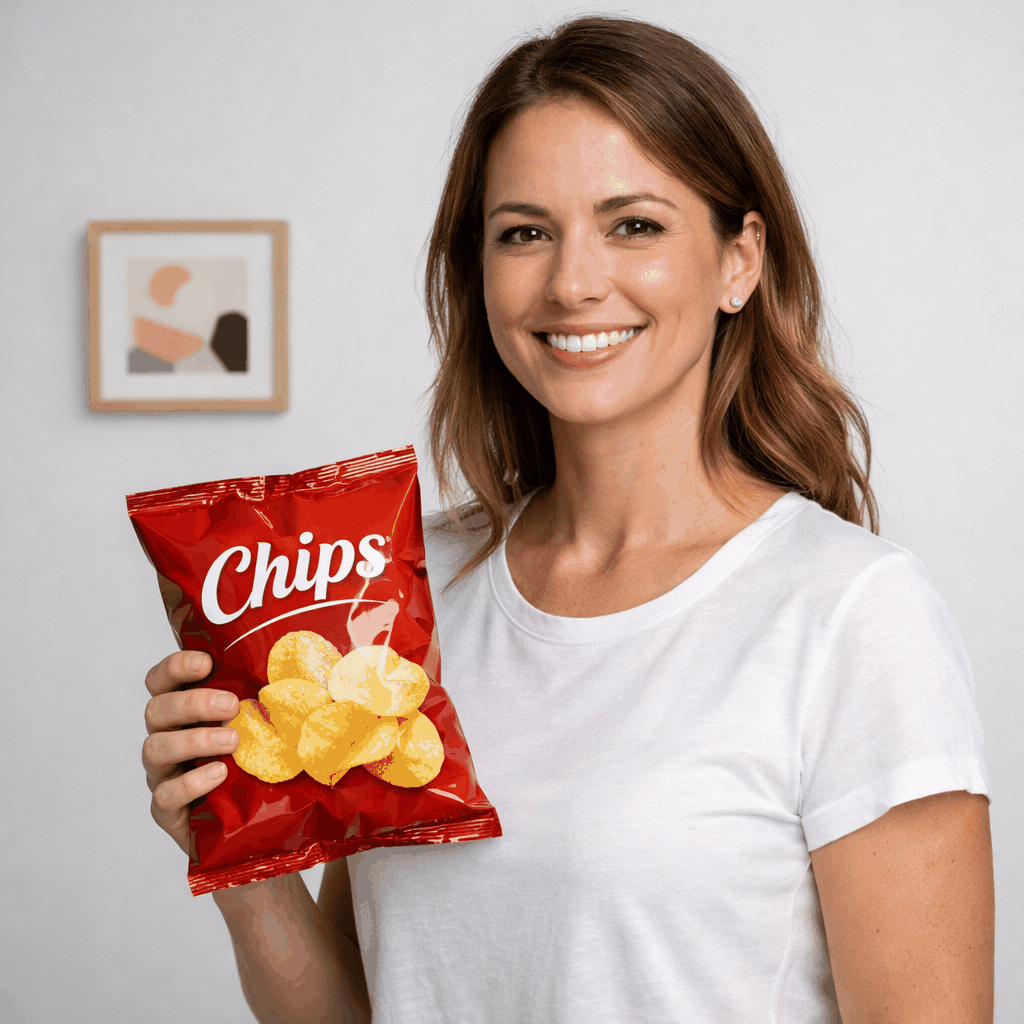
Upload Asset
Single or bulk upload your product shots to the workspace.
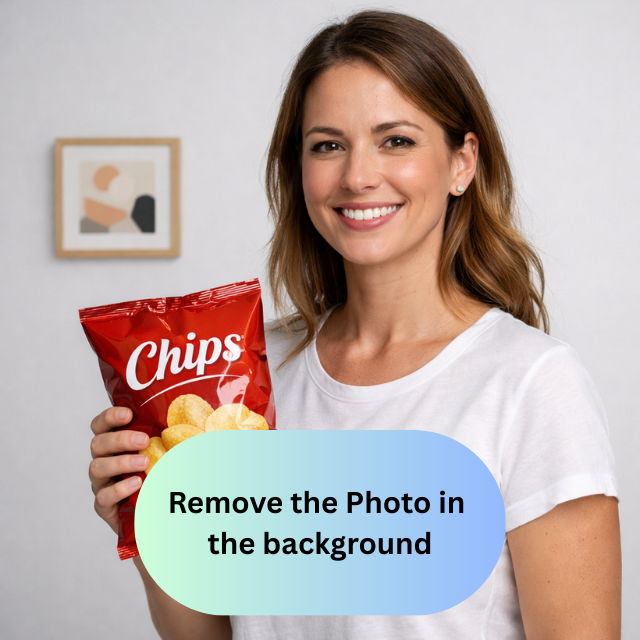
Prompt Changes
Describe the edits you want—color swaps, additions, or removals.
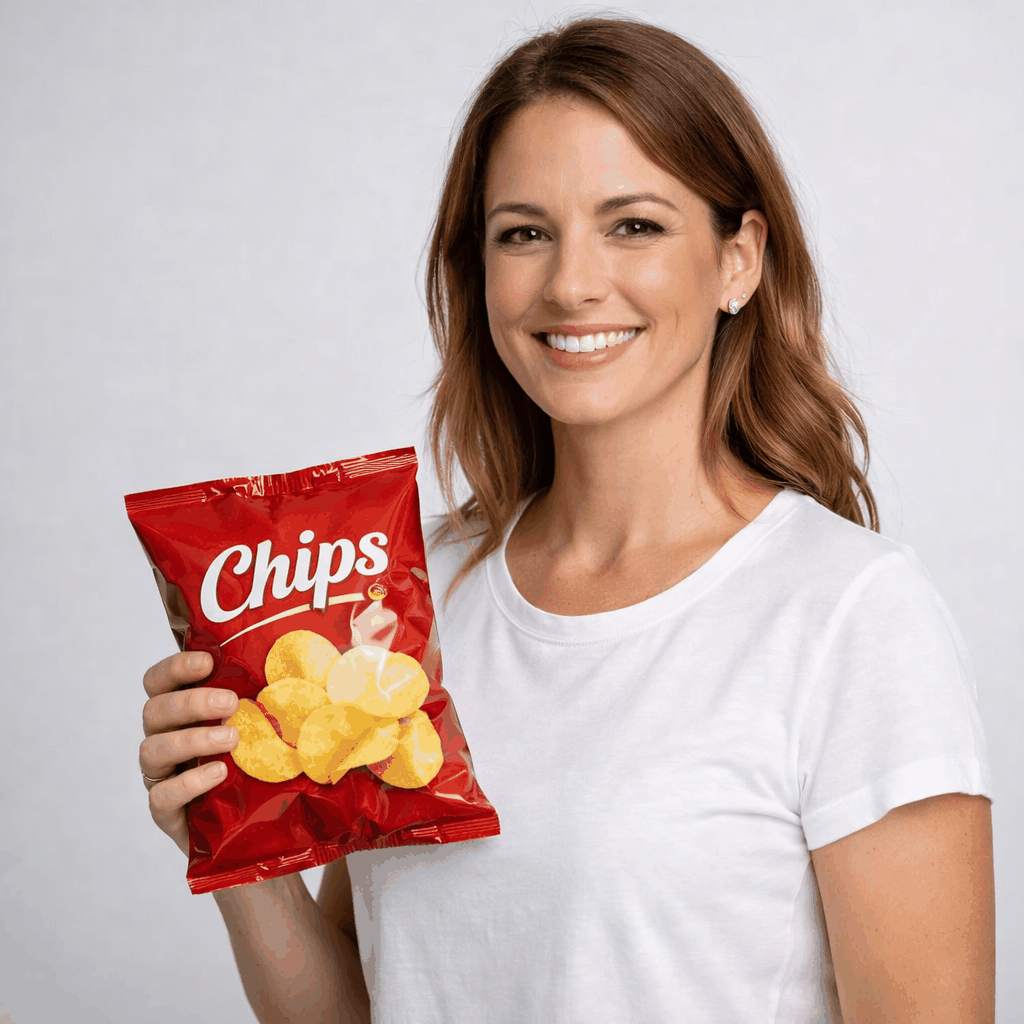
Download Result
Receive high-res, optimized assets ready for any platform.
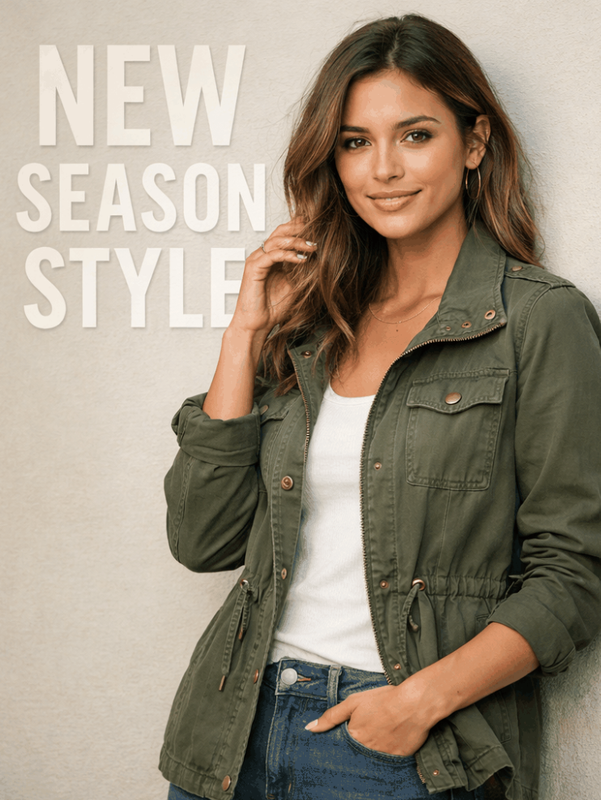
Creative freedom at scale
See how our generative editing tools help creative teams iterate on visual concepts and transform product shots in seconds.

Advanced AI editing controls
Take full control of your pixels. Our advanced editing suite understands your natural language commands to perform complex alterations that previously required expert designers.
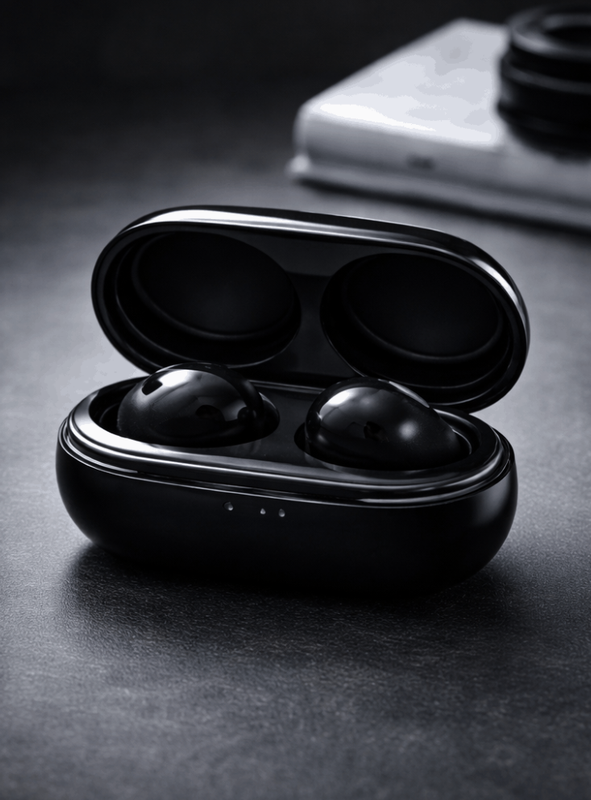
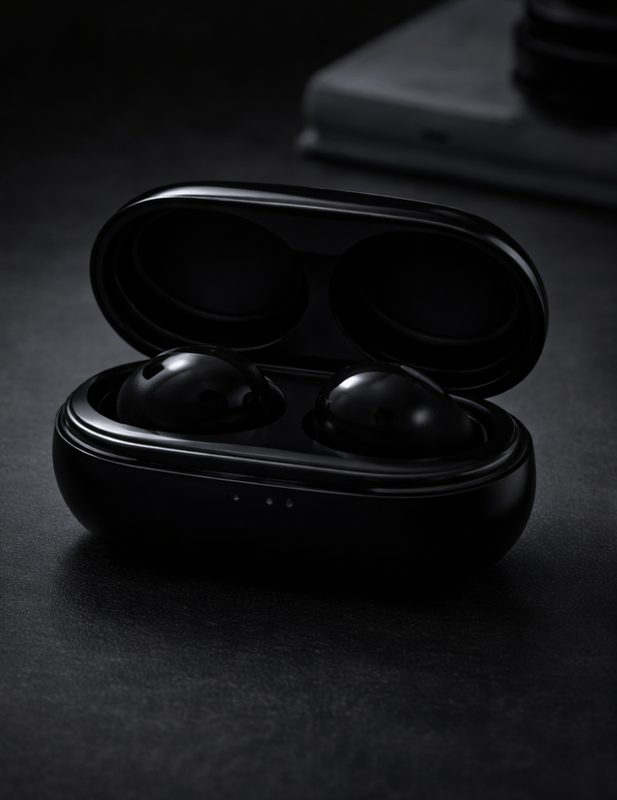
Precision adjustments in seconds
Stop struggling with selection tools. Simply point and prompt to make targeted changes to lighting, color, or composition instantly and accurately.
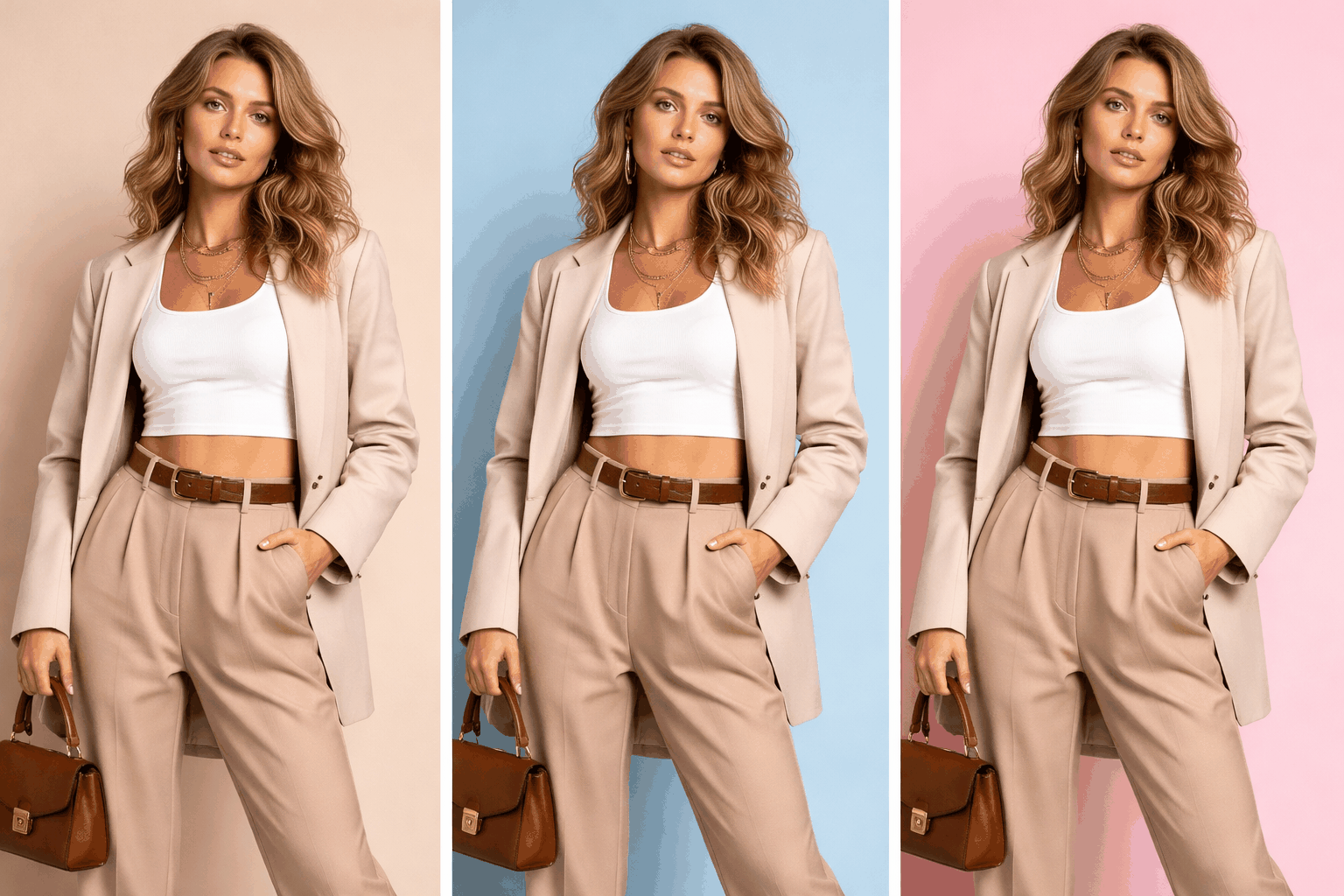
Replace, enhance, or restyle
Complete creative freedom at your fingertips. Swap out background elements, enhance textures, or completely restyle the artistic direction of any asset with a single prompt.
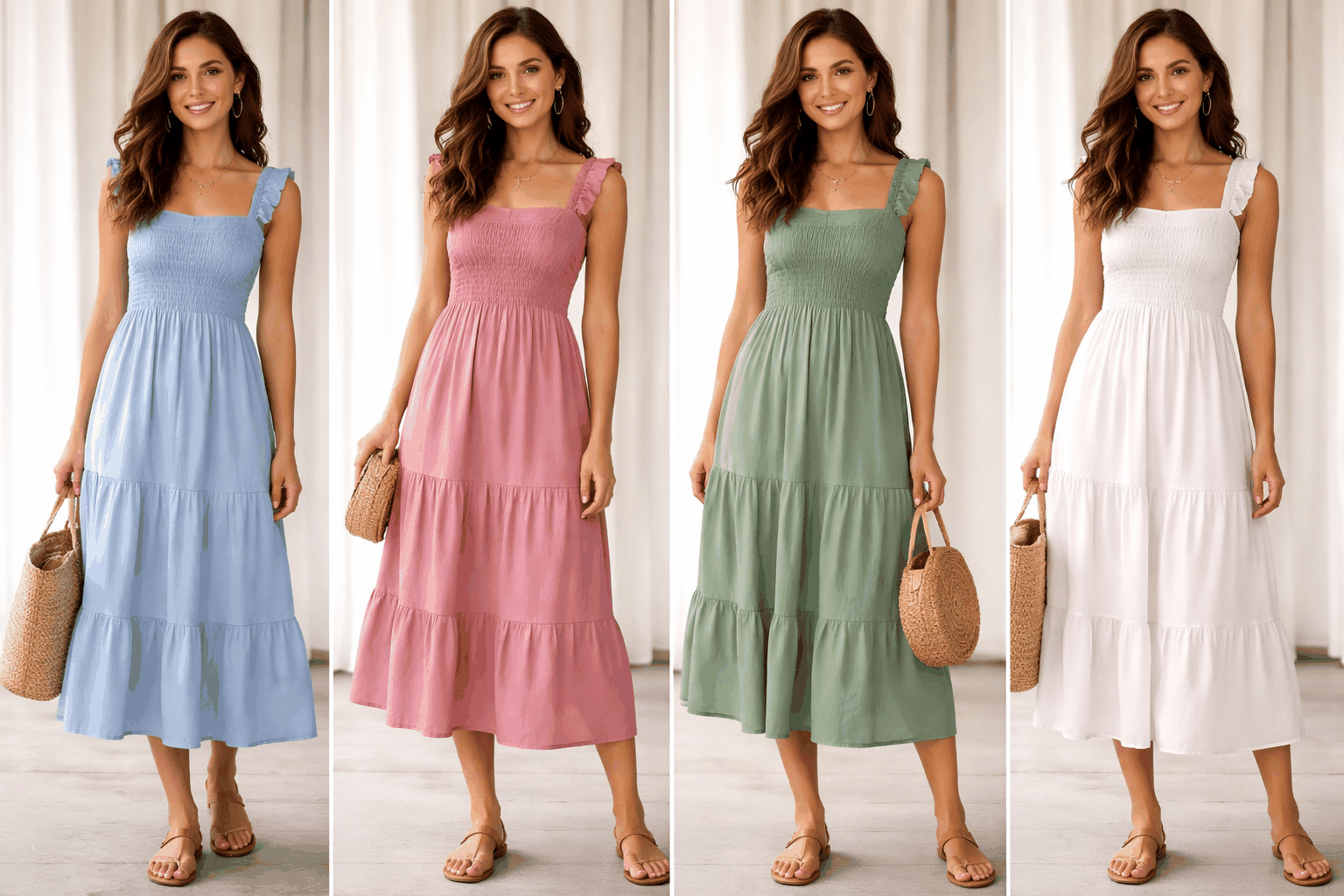
Non-destructive workflow
Edit with confidence. Our engine maintains the integrity of your original high-res files, allowing you to iterate and experiment without ever losing your base asset's quality.
Explore more AI tools
Ready to transform your
product visuals?
Join thousands of eCommerce brands using Raydon to create stunning visuals at scale.