
Remove anything
Cleanlywith AI
Erase unwanted objects, distractions, or imperfections from your images while preserving natural textures and lighting.
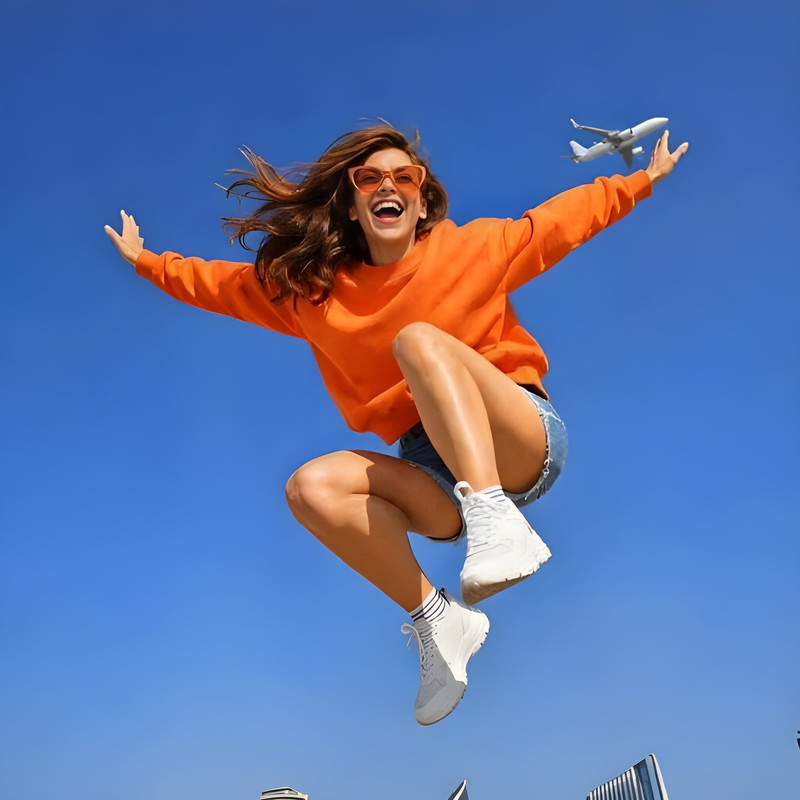

How to Erase
Simple steps to clear and professional product images.
Upload Photo
Drop your image with unwanted elements into the editor.

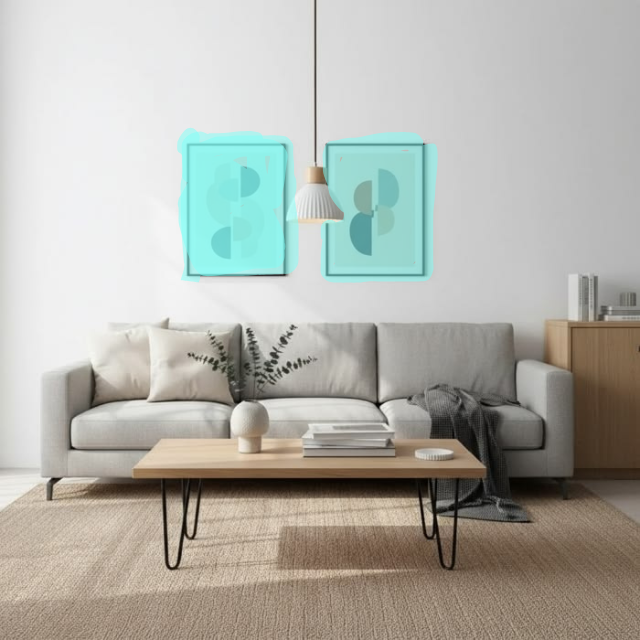
Brush Over
Simply highlight the area you want to erase. No precision needed.
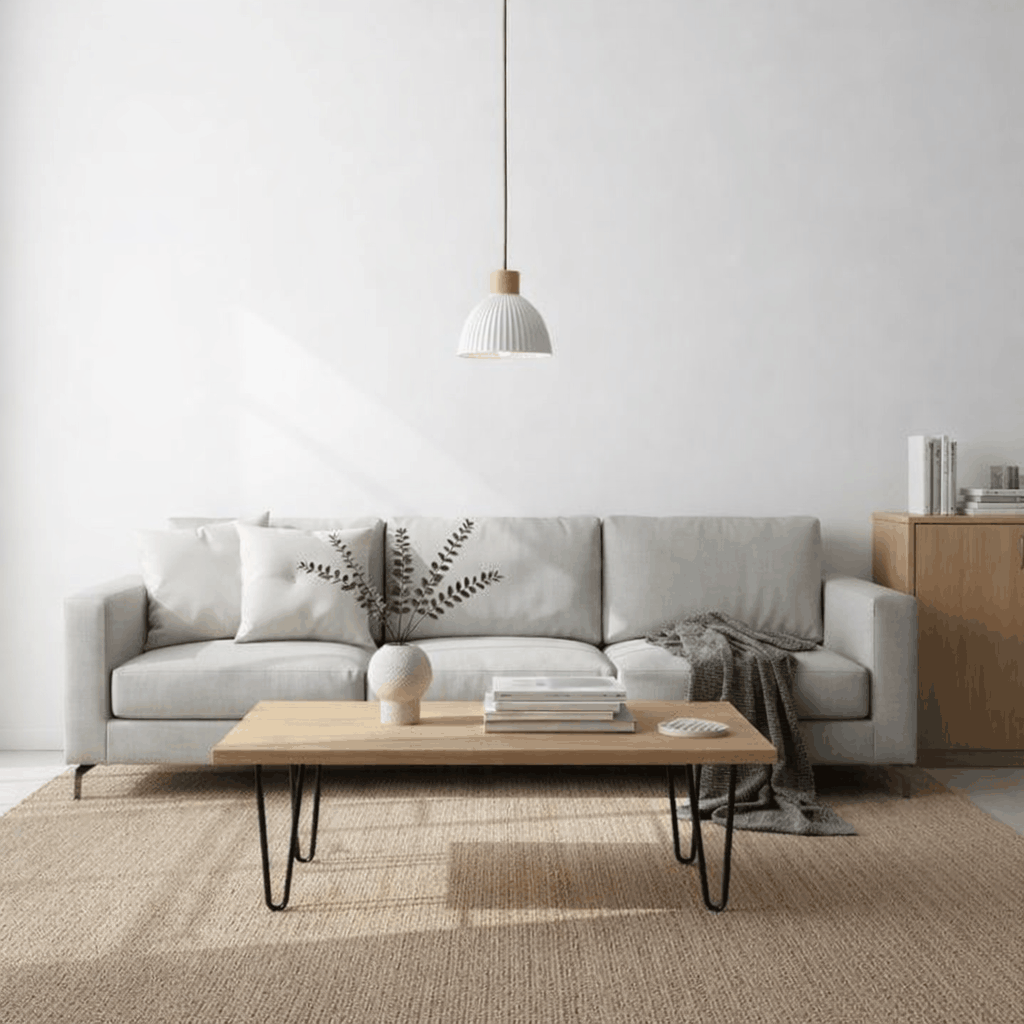
Heal Instantly
AI fills the gap with perfectly matched textures and lighting.
Distraction-free product visuals
See how our AI-powered healing engine helps brands clean up their photography and focus on the products that matter.
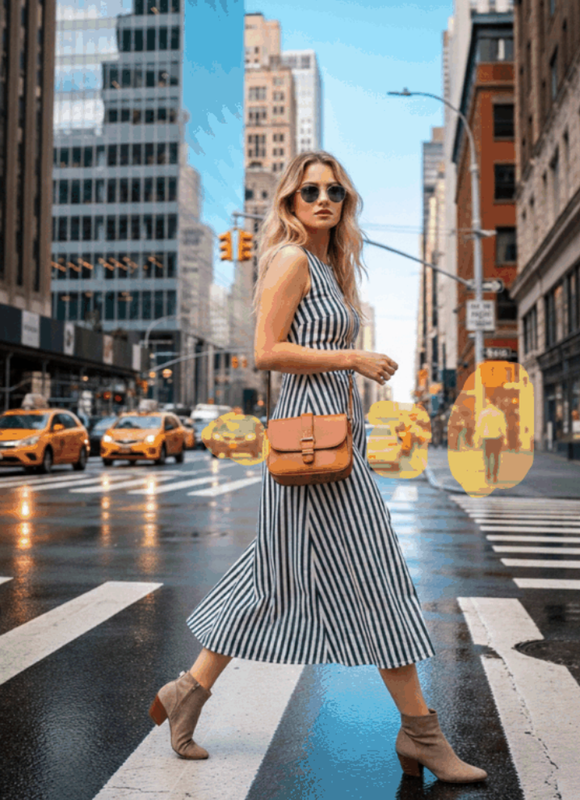
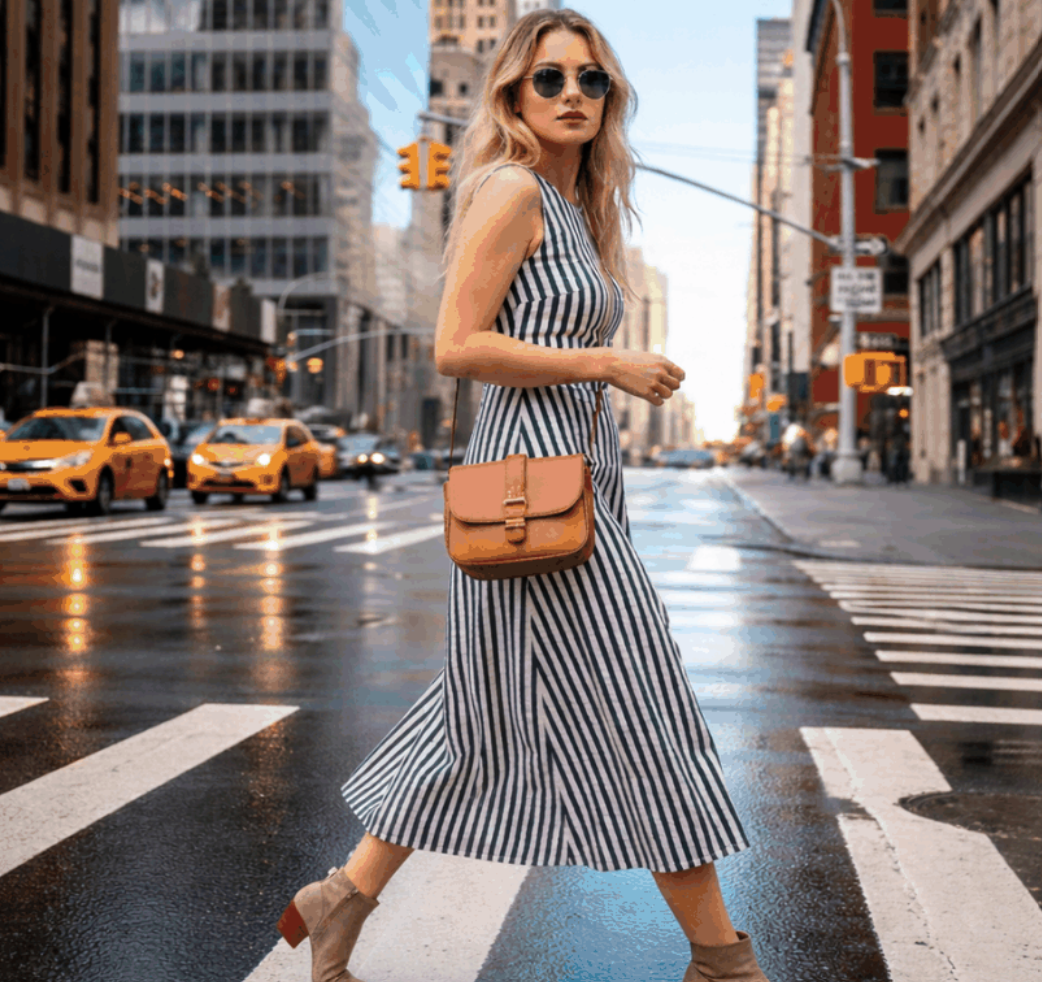
Removes unwanted objects cleanly
Heal your product shots instantly. Our context-aware AI makes unwanted distractions, dust, and shipping labels disappear seamlessly without leaving a trace.
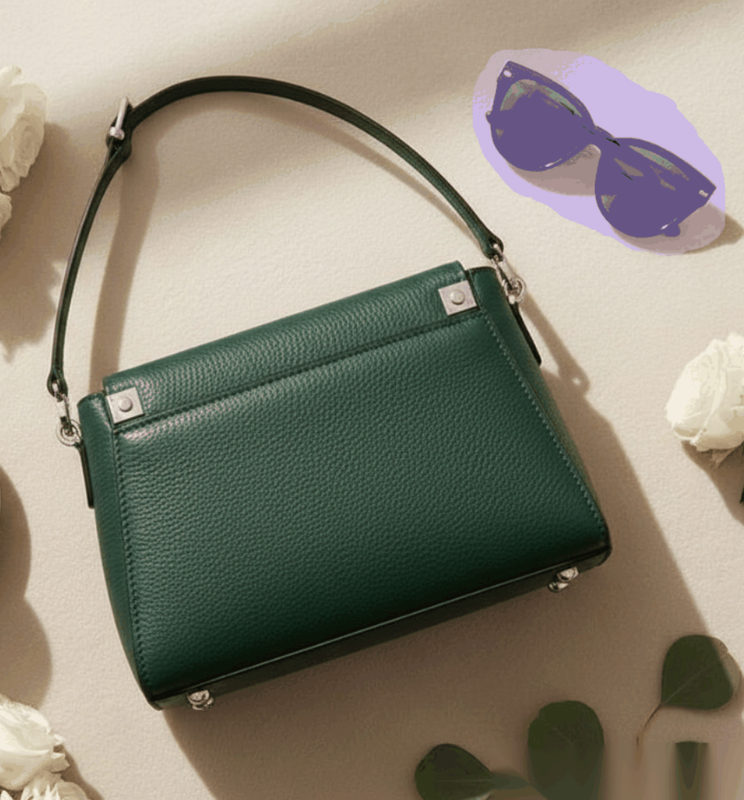
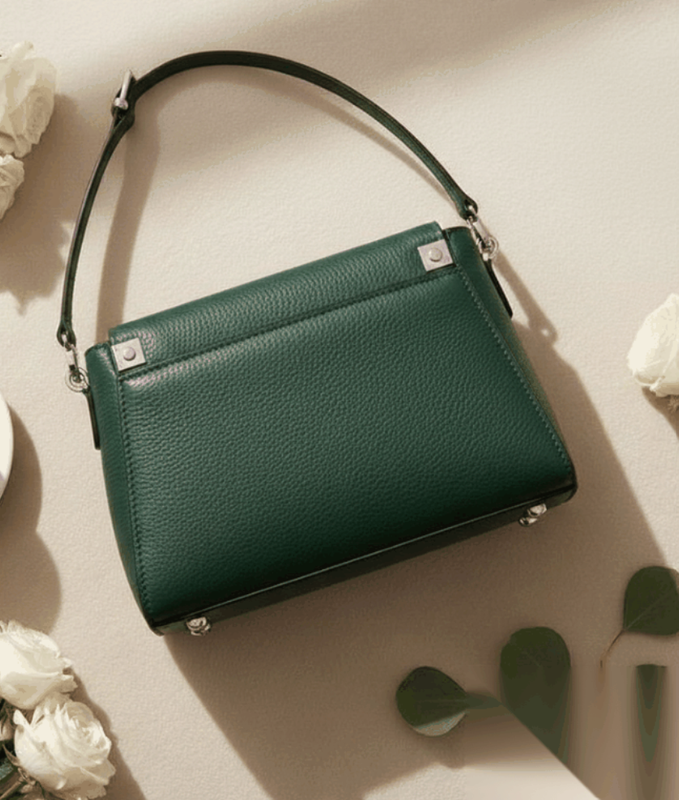
AI fills background naturally
More than just erasing. Our engine analyzes the surrounding texture and lighting to intelligently fill the empty space, preserving the original feel of your photo.
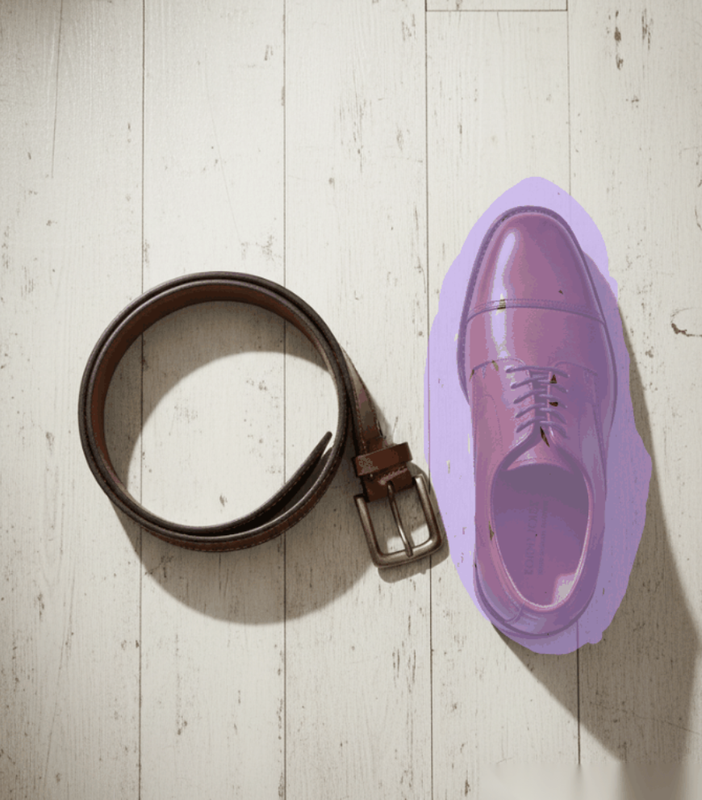
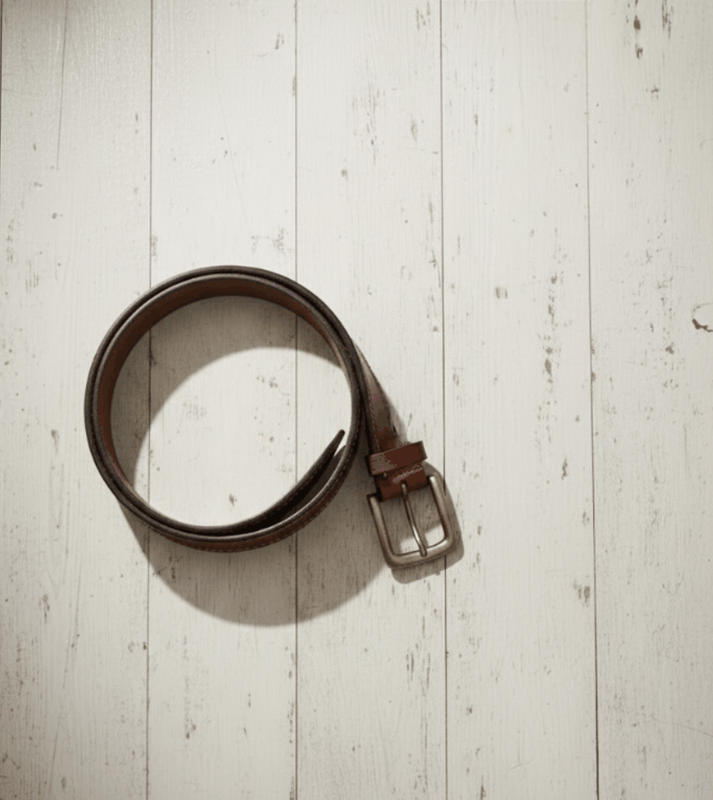
One-click correction workflow
Complex retouching made instant. Just highlight the area you want to clean and let the AI perform professional-grade healing in a single click.
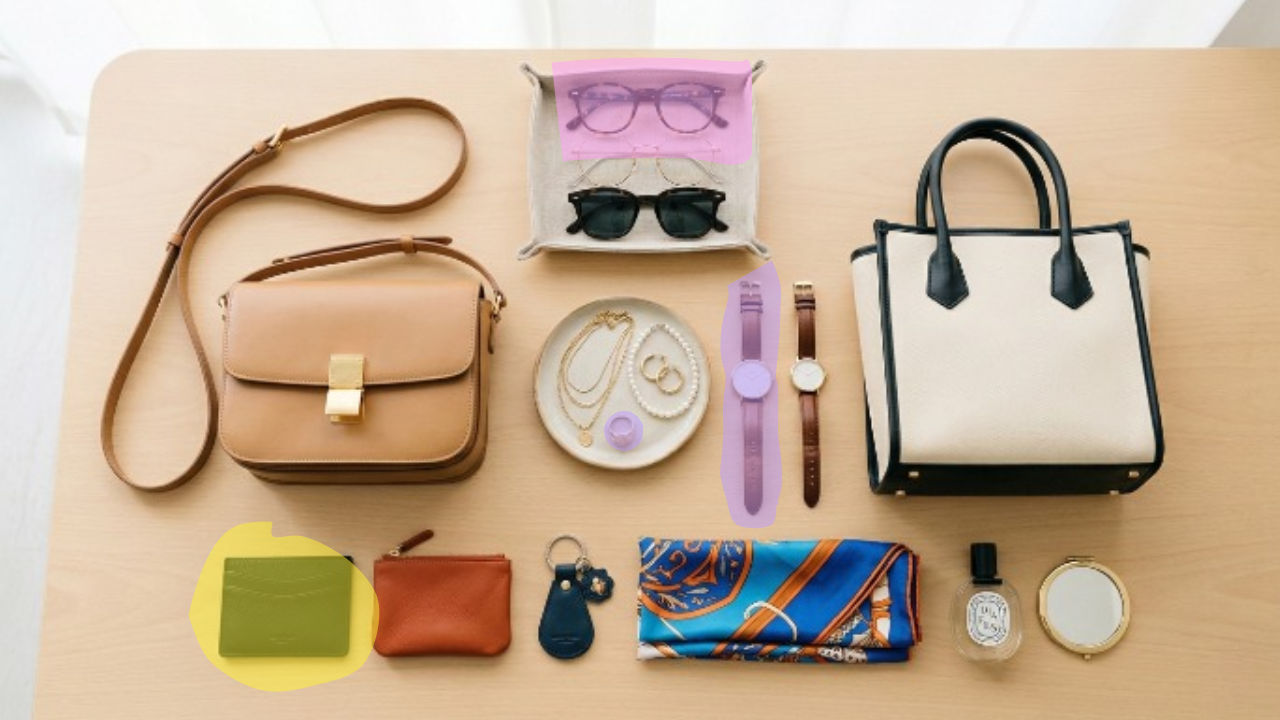
Brush Size & Precision Control
Fine-tune your selections with absolute control. Adjust brush thickness and sensitivity to target even the smallest details — from dust specks to fine stray hairs.
Explore more AI tools
Ready to transform your
product visuals?
Join thousands of eCommerce brands using Raydon to create stunning visuals at scale.